 Sketch ItALPHA
Quick Guide
Transform your photos into beautiful sketches in just 3 simple steps
Upload Your Image
Start by uploading the photo you want to transform. Simply drag and drop your image into the upload area, or click to browse your files.
- Supported formats: PNG, JPG, JPEG, WEBP
- Maximum file size: 3MB
- Best results: Clear, well-lit photos with good contrast
- Works with: Portraits, landscapes, objects, pets, and more
Best Practices for Great Results
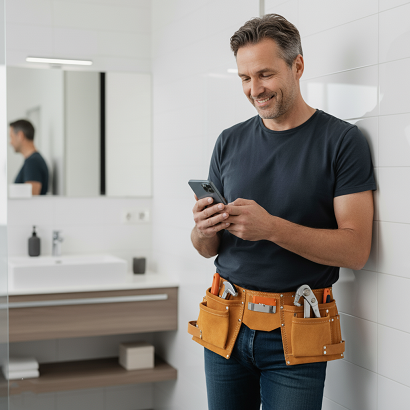
Good Lighting & Avoid dark areas or shadows
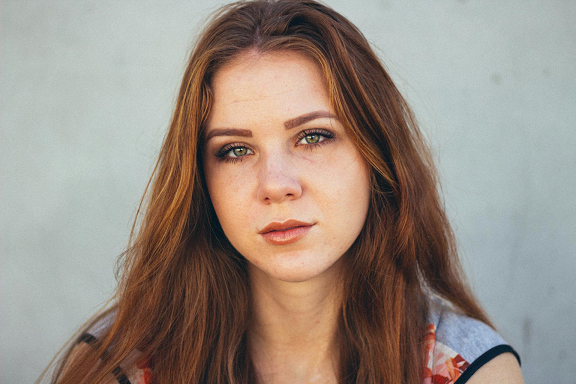

High Contrast & Avoid retouched/photoshopped images

Pick Your Preset and Background Style
Choose from 4 professionally designed presets, each optimized for different use cases and artistic styles.
Available Presets
Choose Your Background Style
Select whether you want the background included in your sketch or just the main subject.
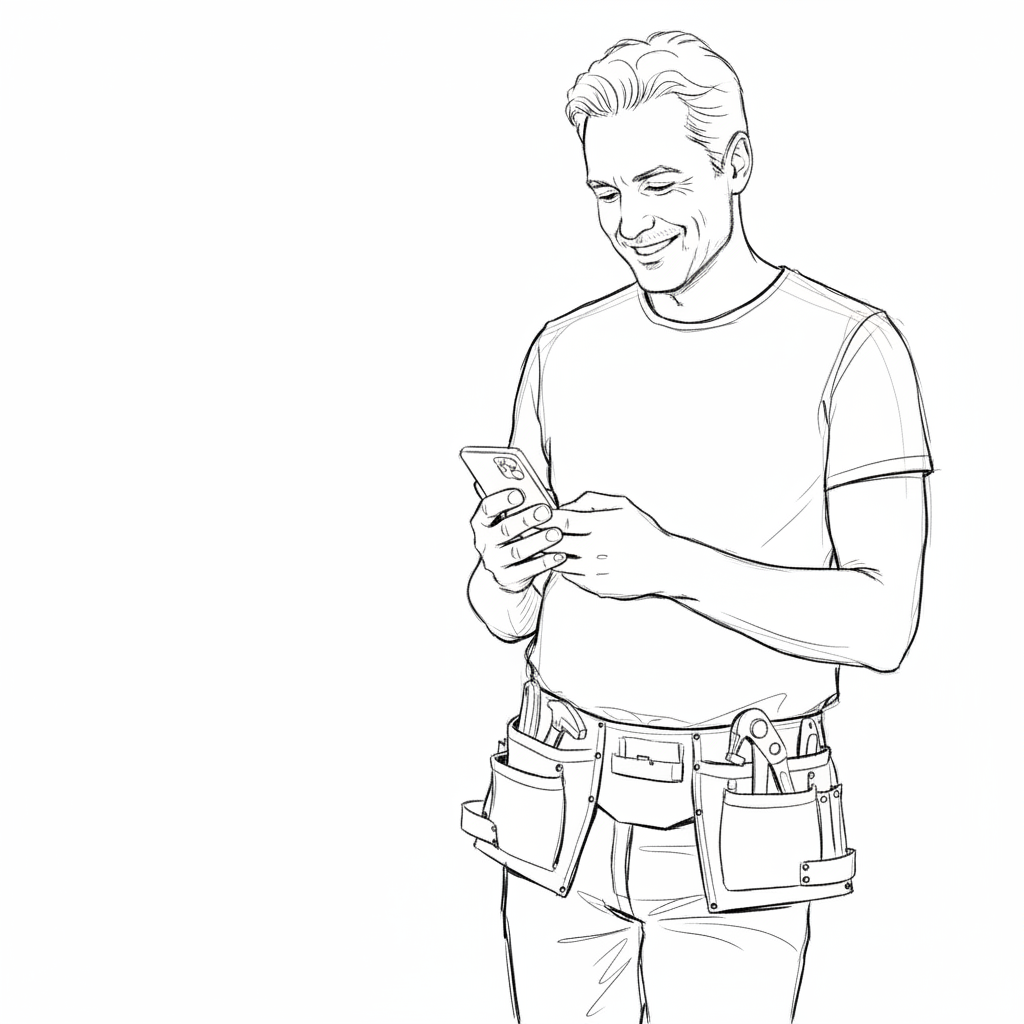
None
Only the foreground object is sketched, background is removed
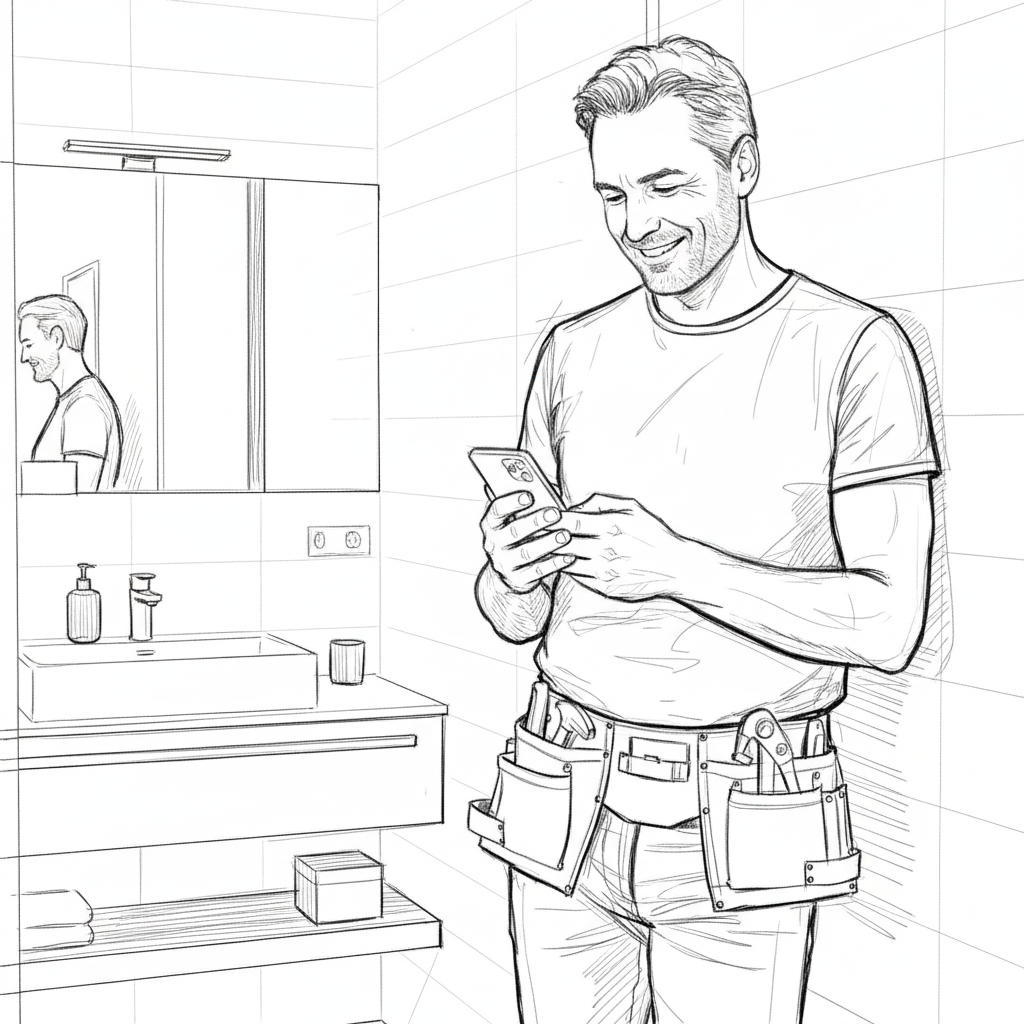
Full
The entire image including background is transformed into a sketch
Transform & Download
Click the "Transform Image" button and watch the magic happen! Processing typically takes 20-30 seconds.
After Transformation:
- Compare: Use the before/after slider to see the transformation
- Download: Save your sketch immediately in PNG format
- Upscale (optional): Increase resolution by 2x for high-quality prints
- Try another: Upload a new image or try different presets
🔍 About Upscaling
Need a larger image for printing or professional use? Use our upscale feature:
- 2x upscale: Currently available (e.g., 1024x1024 → 2048x2048)
- 4x & 8x: Coming soon in future versions
- Print size calculator: See estimated print dimensions at 300 DPI
Ready to Create?
Start transforming your photos into stunning sketches now!
✨ Start Creating← Back to Sketch It